Direct online ordering
Their favorite order. Your own checkout.
Let guests order from your restaurant’s website, choose what goes into their meal and check out for pickup or delivery.
See it with your menu
Easy to order from.
Built to run your way.
Your menu is only the beginning. Dinevate’s Ordering Settings connect service hours, delivery areas, kitchen capacity, checkout, offers and the next visit. Explore what you can control, with examples of how those choices come together.
01 · Menu
Every half. Every extra. Every detail.
Build the choices into the menu so a guest can order precisely and your team can see what they chose.
- Sizes with their own prices
- Required option groups before adding an item
- Modifier prices that change with the selected size
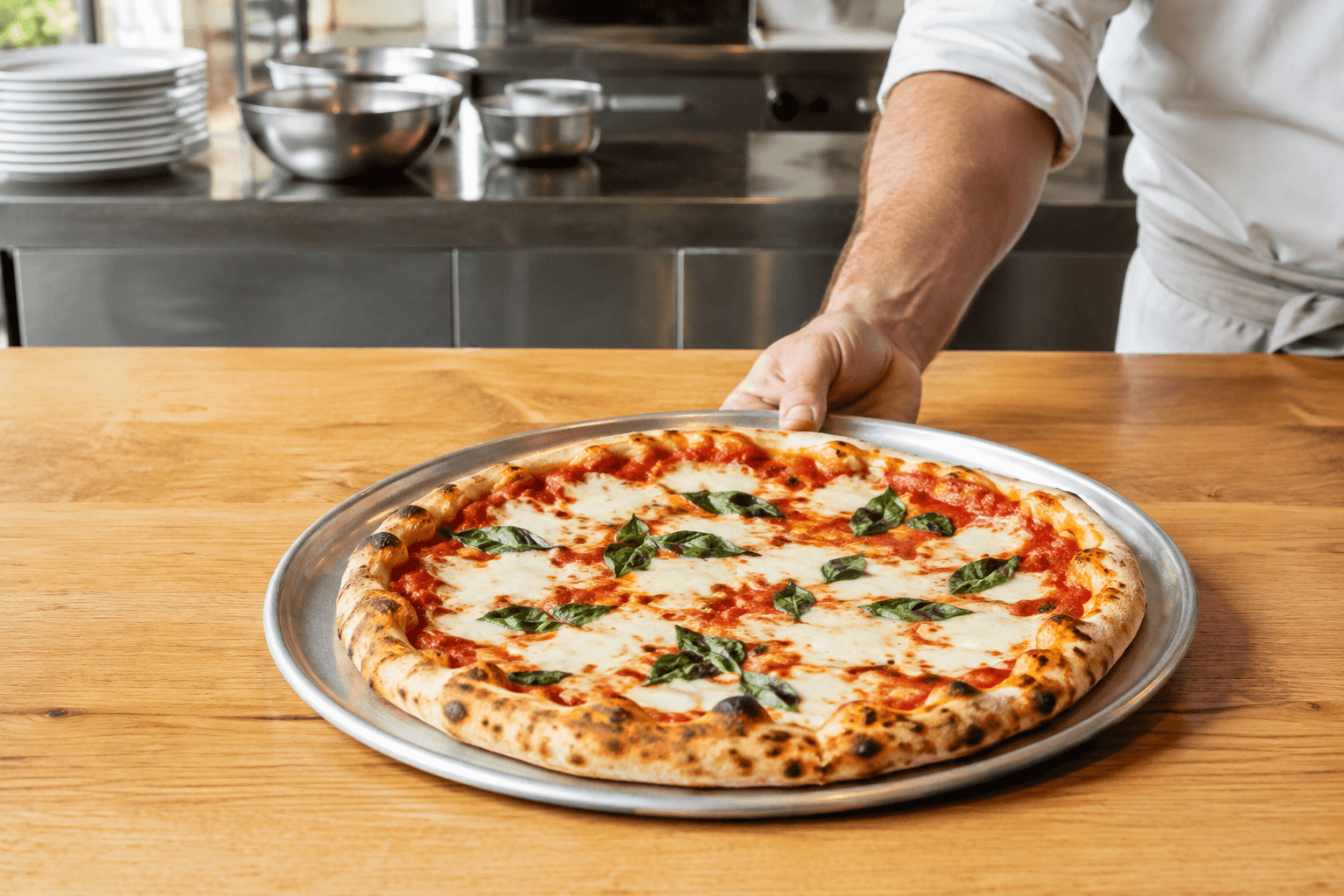
- Left-half and right-half topping choices
- Item instructions and selections carried into the order
02 · Pickup & scheduling
Ready when your kitchen is ready.
Set a realistic pickup promise and let guests plan ahead within the hours you actually serve.
- Pickup on or off independently of delivery
- Preparation estimates in minutes, hours or days
- A minimum pickup order amount
- Restaurant hours or a separate pickup schedule
- Advance ordering with a maximum number of days ahead
03 · Delivery
Your neighborhood. Your delivery rules.
Make the delivery area fit your operation, with a fee and a service promise that make sense for each trip.
- Your own delivery service, with its own hours
- Separate delivery minimums and time estimates
- Radius zones or custom areas drawn on the map
- A delivery fee for each zone
- Delivery-driver accounts and delivery management
- Dinevate Delivery options where available, with service charges confirmed for your location
04 · Kitchen capacity
Give a busy kitchen room to breathe.
Your ordering system should respond when the tickets start coming in faster than the kitchen can work.
- Turn online ordering on or off with a custom guest message
- Resume in an hour, on your next opening day or at a chosen date and time
- Count orders within a configurable time window
- Set separate busy and automatic-pause thresholds
- Write the pause message and use a temporary manual override
05 · Checkout
A clear checkout, with the controls behind it.
Choose how guests sign in, leave a tip and see applicable charges, with your restaurant’s setup guiding the payment options.
- Card payments and supported Apple Pay or Google Pay options
- Enable tips with up to three fixed amounts or percentage choices
- Fixed or percentage service fees, scoped to pickup, delivery or both
- Optional customer email confirmation
- Enable or disable Apple and Google social sign-in
- Eligible wallet credit combined with a card for the remainder


06 · Deals & discounts
A special with the right rules attached.
Show the offer beautifully, then make sure the right items, hours and orders qualify for it.
- Percentage or fixed discounts on an item or an order
- Automatic offers or a coupon guests enter
- Select eligible items, menu sections and required choices
- Minimum spend, usage limits, expiration and custom offer hours
- Apply offers to pickup, delivery or both
- Deal cards with an image, price, badge and menu-item link, created manually or with menu-based AI assistance
07 · Points & stamps
Make your regulars feel like regulars.
Choose the reward structure that fits your restaurant and give guests a clear way to see their progress.
- Your own program name, points name and icon
- Points per dollar, signup bonus and redemption value
- Points expiration and minimum or maximum earning order values
- A configurable stamp card, reward amount and expiration
- Optional pre-filled stamps to start a new card
- Member point adjustments, suspension and loyalty activity reporting
08 · Wallet & gift cards
Give the next order a starting balance.
A reloadable restaurant wallet turns the promise of a future reward into credit a guest can use with you.
- Enable restaurant wallets and gift-card purchasing
- Set a first-deposit bonus and the qualifying minimum load
- Set wallet cashback and a maximum cashback amount
- Combine available wallet balance and card payment at checkout
- Create and manage gift cards and guest wallet adjustments
- Review wallet balances, spending, gift cards and cashback activity
09 · Team & alerts
The right order, in the right hands.
Give people their own access and send new-order alerts to the team that needs to act on them.
- Individual staff and delivery-driver logins
- Roles with adjustable permissions for everyday tasks
- Control who can accept, fulfill, discount, void or refund orders
- Configure phone and email order-notification recipients
- Keep customer, payment and item choices connected in Order Manager
10 · Local discovery
Make the path to your menu easier to find.
Keep the places you serve and the food you make connected to your restaurant’s direct ordering presence.
- Manage the cities, neighborhoods and service areas you serve
- Add relevant cuisine, menu and restaurant tags
- Keep discovery content linked to an orderable menu
- Connect your restaurant website, app and customer experience
Before your first direct order
Online ordering questions, answered.
Can I control pickup, delivery and advance orders separately?
Yes. Pickup and in-house delivery have their own availability, minimums and time estimates. You can use restaurant hours or custom hours for each. Scheduling can be enabled with a maximum number of days ahead, and available times follow your service configuration.
What happens when my kitchen gets too busy?
Order throttling uses the order volume within a configured time window. You choose a busy threshold and a higher pause threshold, along with the message guests see. You can also pause ordering manually and choose when it resumes.
Can I create different delivery fees for different neighborhoods?
Yes. In-house delivery supports radius zones and custom drawn areas, with a delivery fee for each zone. You can also set delivery-specific minimums, estimates and hours. Dinevate Delivery availability and charges are reviewed separately for your location.
How are deals different from discounts?
A deal is a promotional card with an image, description, price and optional link to an item. A discount defines the actual price reduction and its conditions, such as a coupon, minimum order, eligible items, service type or schedule. You can use them together.
Does Dinevate support points, stamp cards and a restaurant wallet?
Yes. Points and stamp cards have configurable earning and reward settings. The restaurant wallet holds spendable credit and supports an eligible first-deposit bonus, cashback settings and gift cards. Guests can combine available wallet credit with a card payment, subject to the payment provider’s minimum charge requirements.
Can I keep my current POS and payment setup?
Bring your POS, payment provider, printers and kitchen workflow to the demo. We will review supported integrations, available payment methods and the configuration your restaurant needs. Compatibility depends on that setup.
How much does the complete ordering platform cost?
Dinevate has four plans: $499/month plus a 5% checkout fee, $249/month plus a 10% online pricing adjustment, $199/month plus 15%, or $0/month plus 20%. The full platform is included. For adjustment plans, the restaurant, guest or an even split can cover the amount. Review setup, processing, delivery and optional services in your proposal.
Better together
Dinevate Order Manager
Bring website, app, phone and in-store orders into a shared workflow your team can use during service.
Loyalty & rewards
Keep points, credits and restaurant offers close to the ordering experience, so guests can see what coming back means for them.
Restaurant mobile app
A branded app for your restaurant, connected to your menu, ordering and loyalty.
Let’s look at your restaurant
See how the pieces fit.
Bring your menu, your questions and the way you work. We’ll walk through the setup with you.